
filters and features
As some policy sources matter more to your organisation than others, Overton’s Key Sources feature helps you focus on what matters most.
Using this feature, users can curate a list of high-priority sources so that they can be easily surfaced in your search results. This helps you prioritise and highlight select organisations. For example, you can track core bodies in your field. Or you can monitor key collaborative partners for your regular reports.
Set up your key source list
Go to ‘Explore the Data’. Select ‘Your Key Sources’ under ‘Data Indexes’.
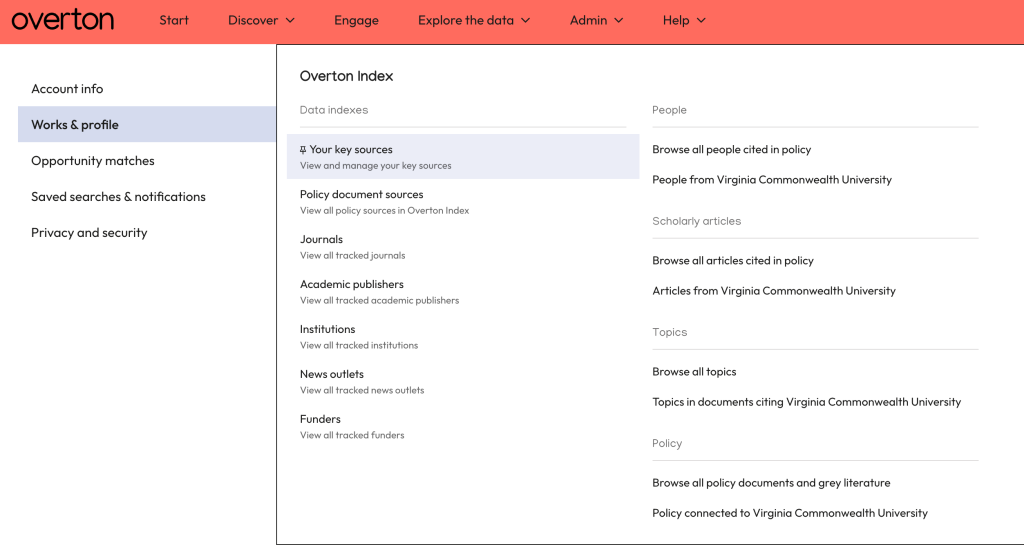
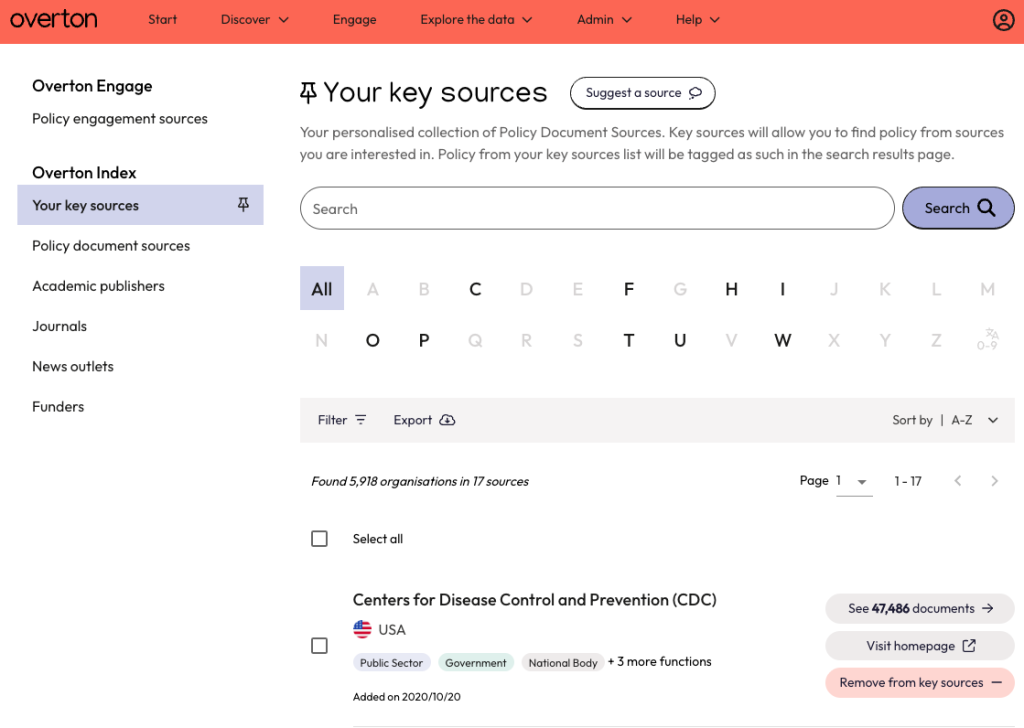
From here, you can view and manage your list.
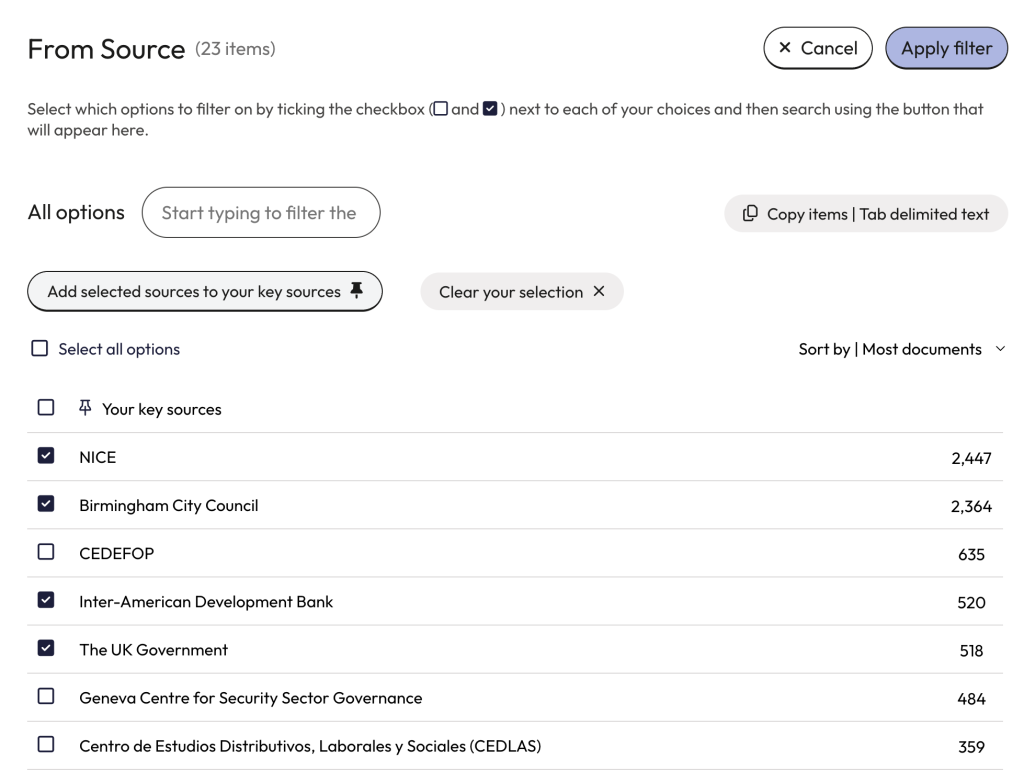
Add sources from the search pages
Use the ‘From Source’ filter in the Policy Documents tab. Click ‘Show more’ to add sources.

Select the sources you are interested in and click ‘Add Selected Sources to your key sources’.
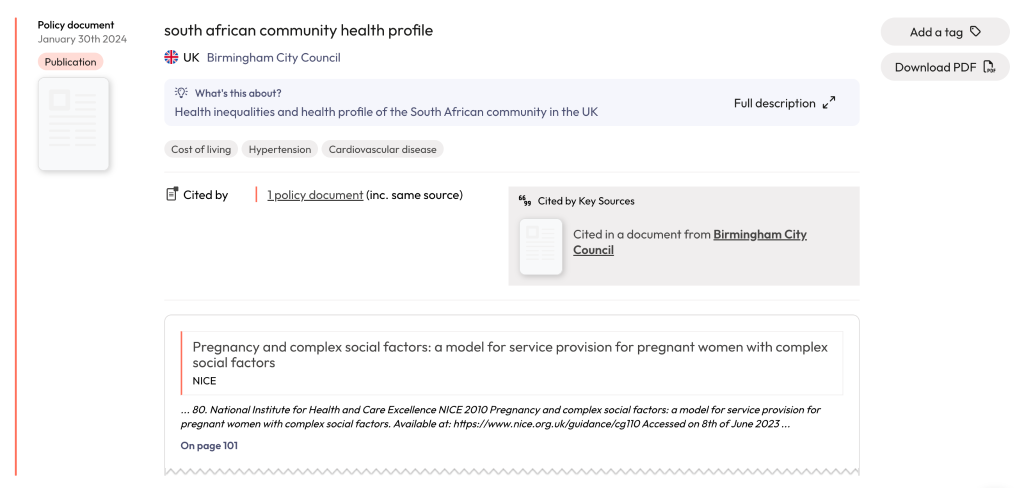
Find key sources in search results
Look for a grey box on the search results page. It appears to the right of any document that comes from one or more of your key sources.
To see documents published by sources from your key sources list, use the filter panel on the left-hand side of the search results.