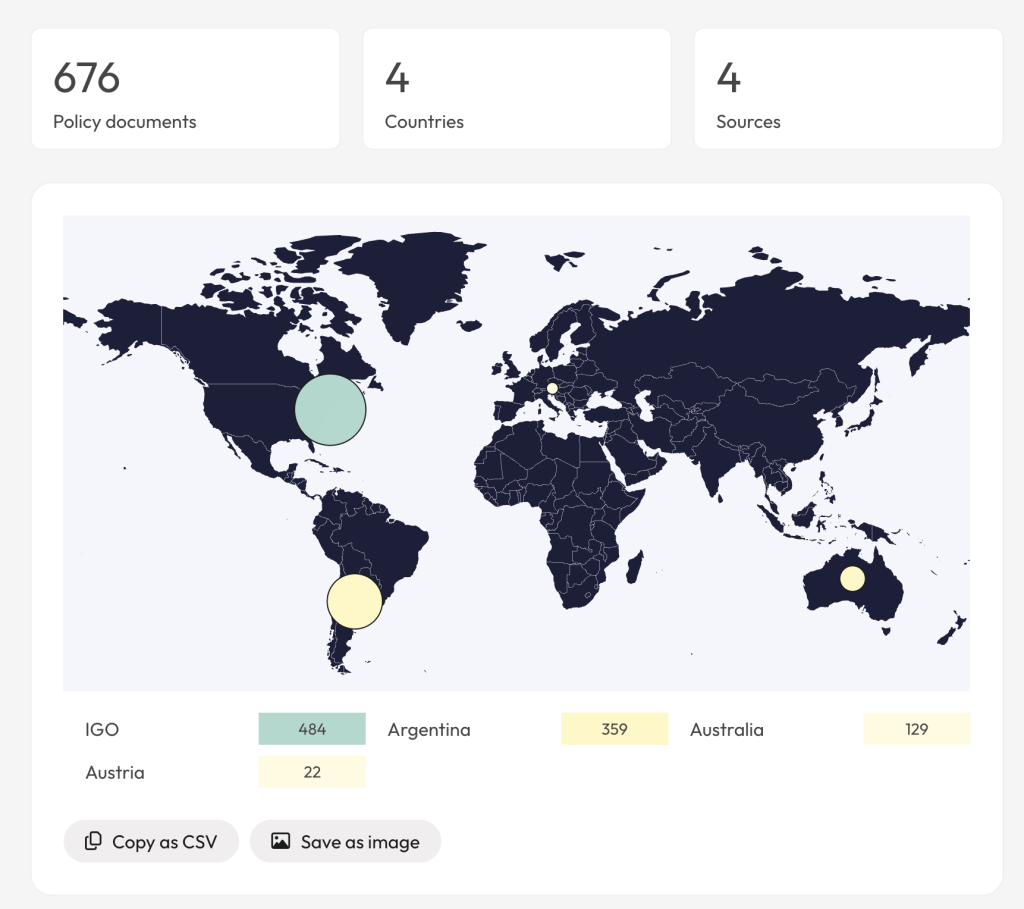
When you run a search in the ‘Search Policy Documents and Grey Literature’ search, you can view the results in the app or as a summary report. A summary report provides a more visual representation of a set of search results.
Video: Summary reports for policy document results
Generate a summary report
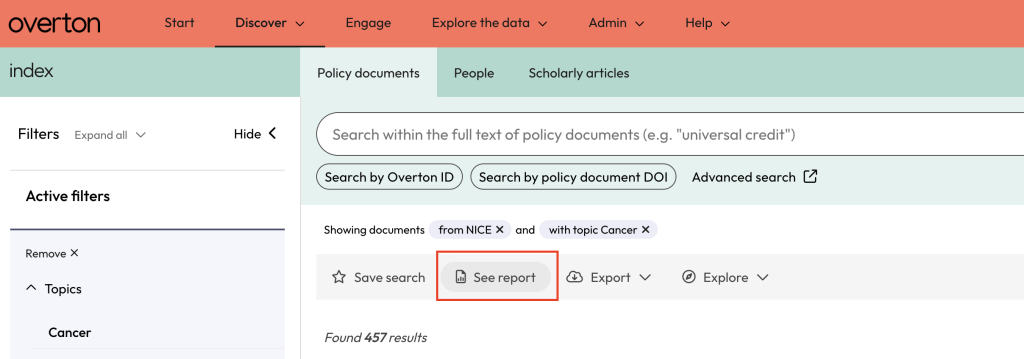
Once you have a set of search results, click on ‘See report’ in the grey action bar above the search results to generate a summary report.
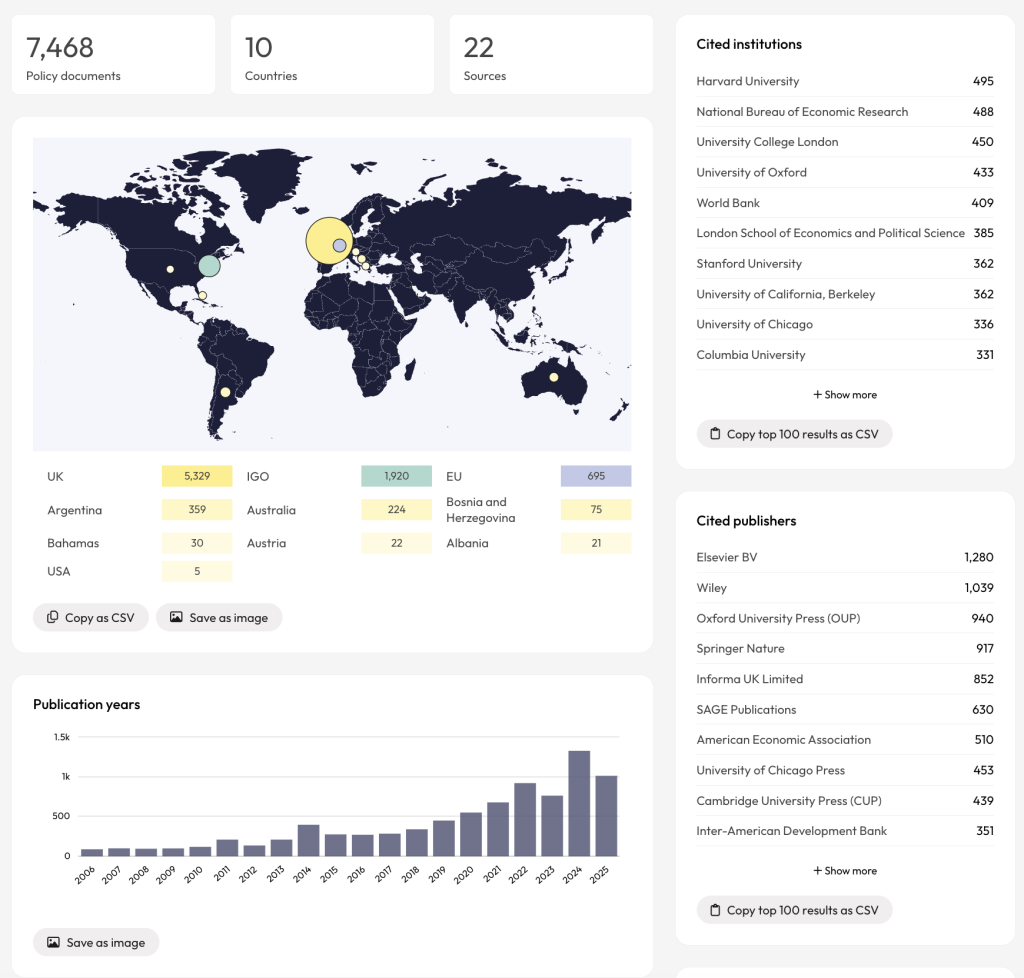
Reading a summary report
Sharing reports
Summary reports can be shared publicly by URL, making it easy to collaborate with colleagues who do not have an Overton account. See ‘Sharing search results’ for step-by-step sharing instructions.
Exporting summary reports
You can view a summary report of your search results by clicking ‘See Report’ in the grey bar above the search results.

From the Report page, you can copy the different sections to your clipboard to create a CSV, or save the image. You can also share the report via a custom link or print the report to PDF.