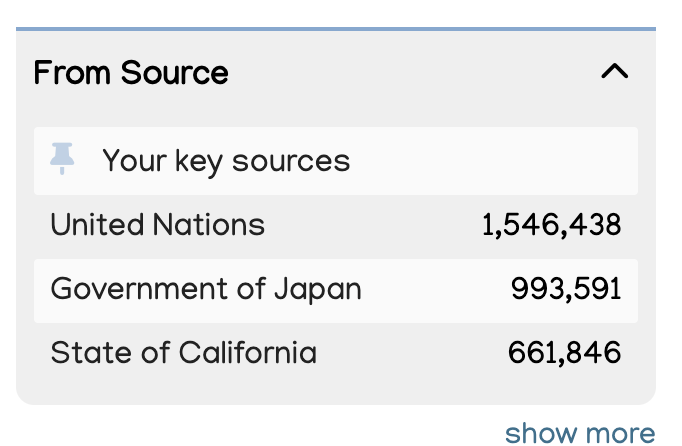
Some policy sources matter more to your organisation than others.
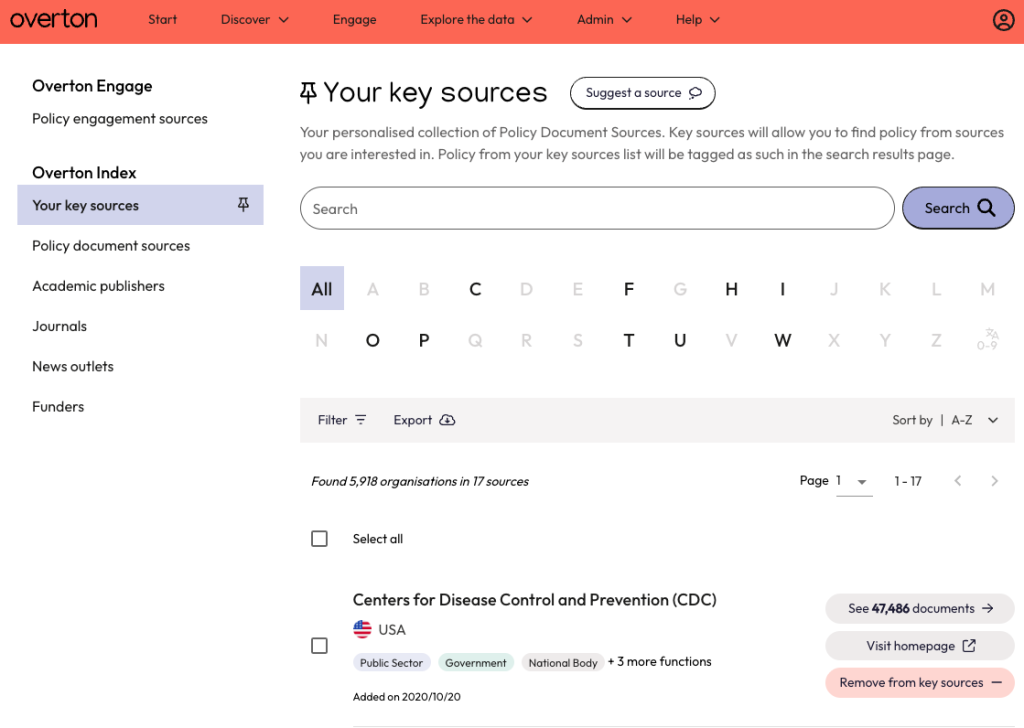
To help you focus on the ones that matter most, Overton’s Key Sources feature lets you prioritise selected organisations. For example, you can track a core group of important bodies in your field or monitor key collaborative partners in your regular reports.
Viewing and customising your Key Sources
Find and set-up your Key Sources list by navigating to ‘Explore the Data’ and selecting ‘Your key sources ‘from ‘Data Indexes’.
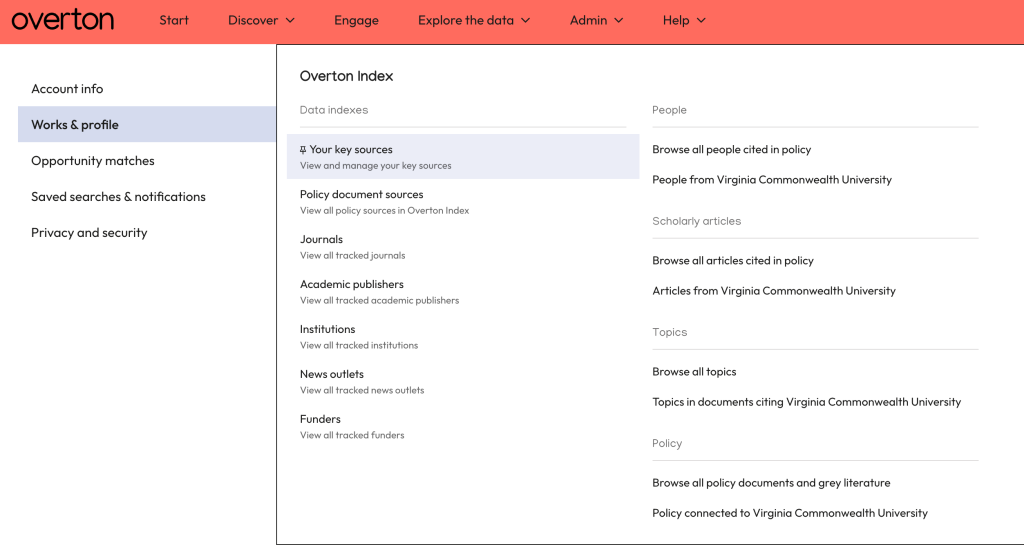
From here, you can view and manage your Key Sources.
Adding to your Key Sources in the Policy Documents Tab
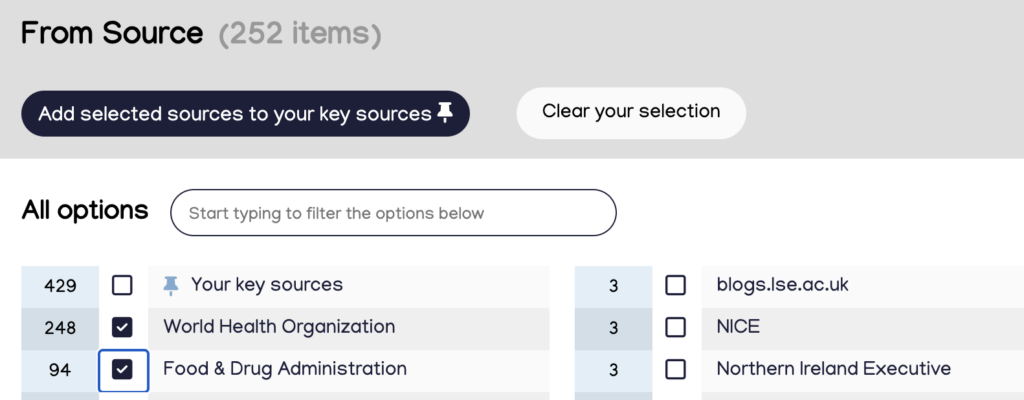
You can also add sources to your Key Sources using the ‘From Source’ filter in the Policy Documents tab and click ‘Show more’.
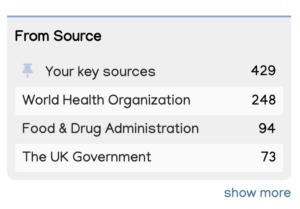
Select the sources you are interested in and click ‘Add Selected Sources to your key sources’.
Seeing Key Sources while searching for policy documents
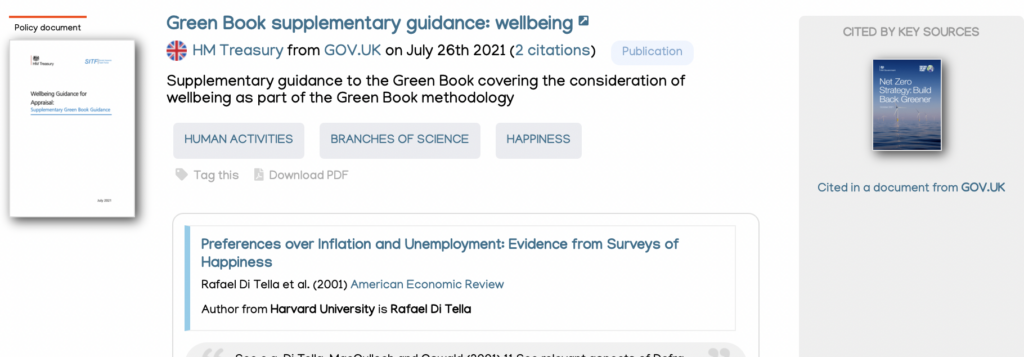
You can see where a document has been cited by a Key Source when you’re on the search results page. To the right of any document cited by a Key Source, you’ll see a grey box.
To see documents published by your Key Sources, use the filter panel on the left hand side of the search results.