
Once you set up your Overton Profile, you can use it to quickly search for policy documents that cite all or selected published works, helping you track the real-world policy impact of your research.
See: Setting up your Overton Profile to learn how to set-up and manage your Overton Profile
From the start page
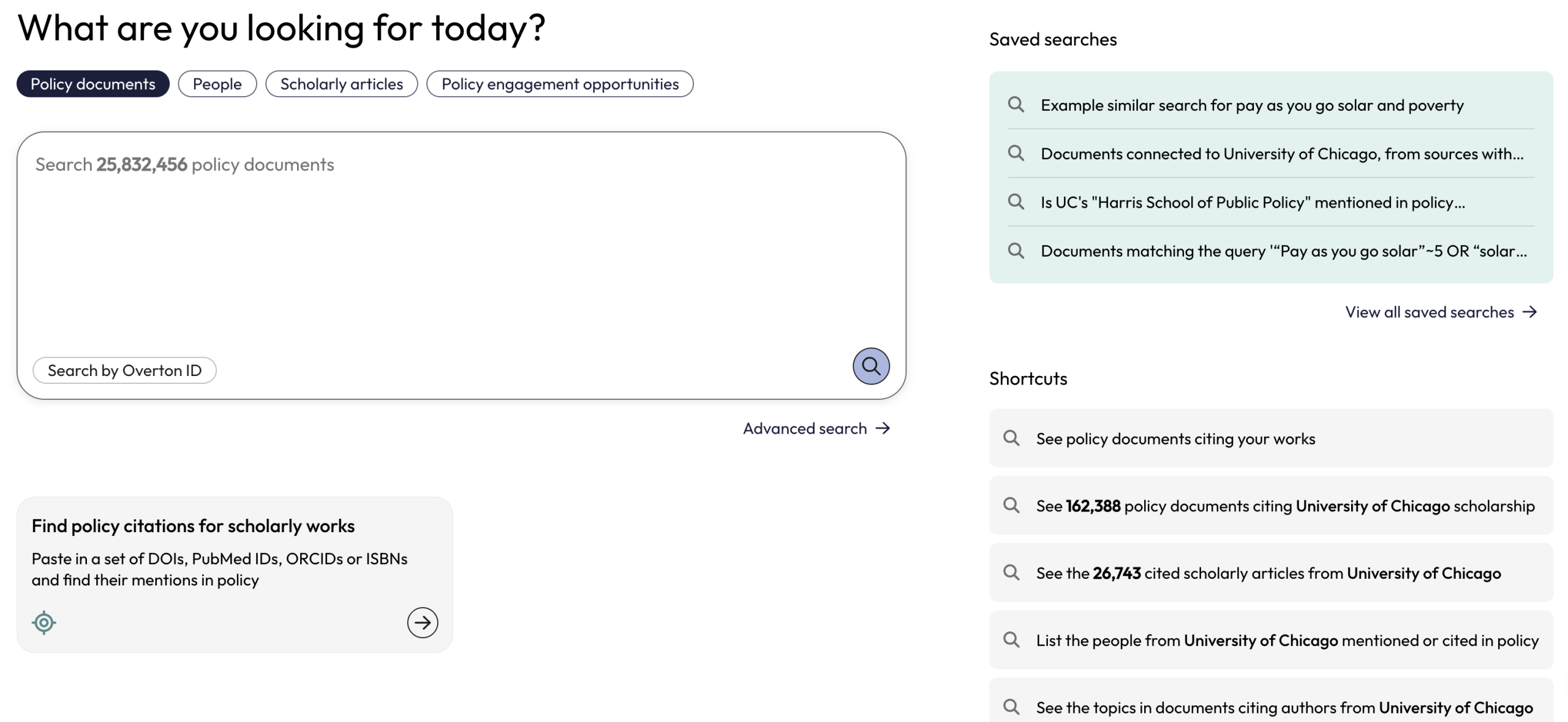
Once you set up your Overton Profile, Overton creates a search shortcut that lets you quickly access policy documents citing your published work.
You’ll find this shortcut at the top of the Shortcuts list on the left side of the Start page.
From ‘Works & profile’ in Account settings
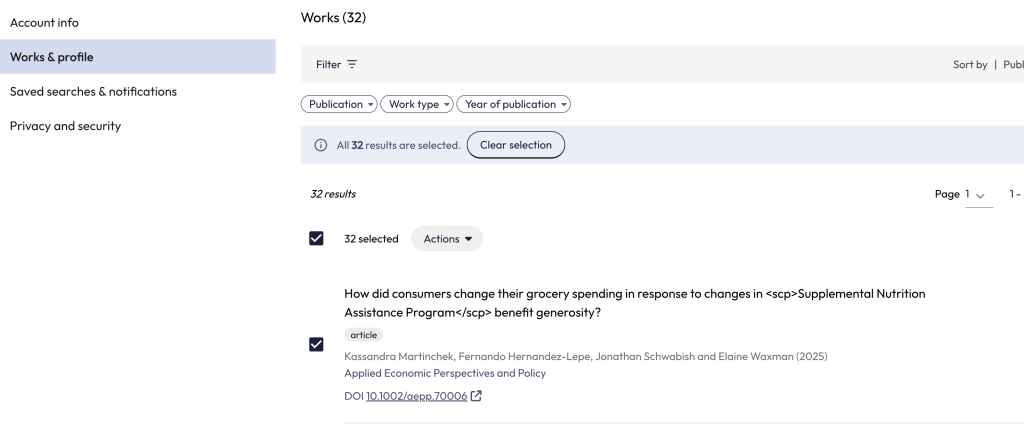
You can also begin a search from the ‘Works & profile’ section in your Account Settings. To find account settings, click on the person icon in the top right of the app.
Search for all publications
From ‘Works & profile’, you can search for policy citations for all your published works by clicking on ‘Select all’.
Search for a subset of publications
To search using a subset of your published works, you can either select the relevant works by clicking on the checkboxes beside each entry or use the ‘Filter’ options to find publications based on a shared criteria.
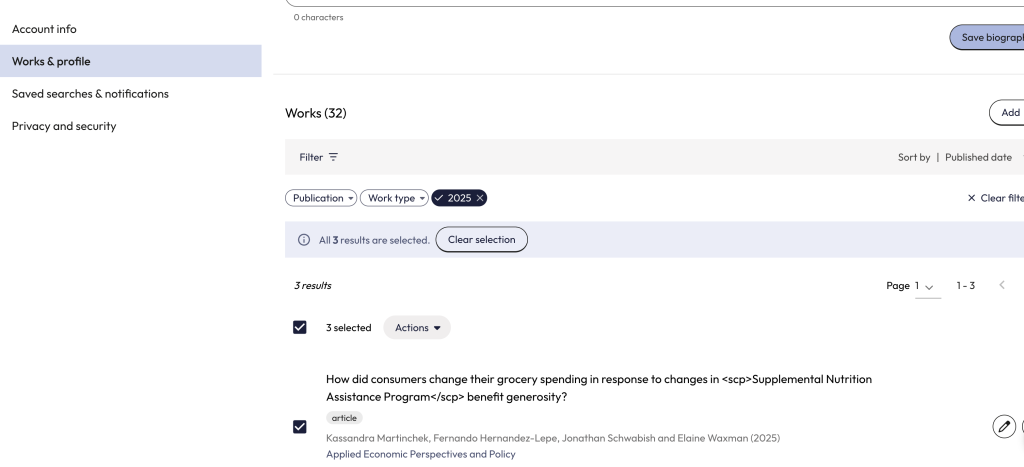
Once you have found and selected the relevant publications, use the grey ‘Action’ button to search for the selected works.