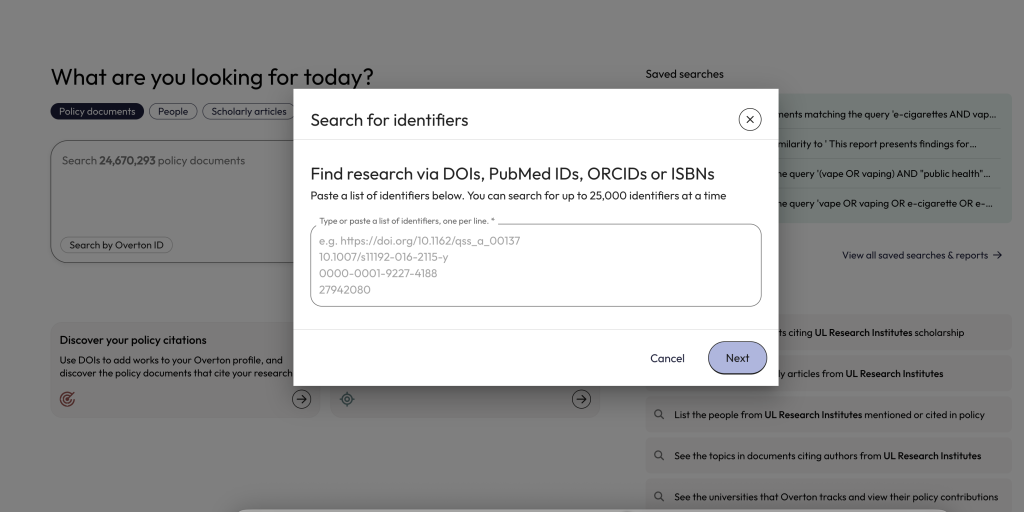
Searching for scholarly works cited in policy is easy when you use DOIs or other identifiers such as PMIDs, ISBNs, or an ORCID.
Researchers can use these searches to evaluate the policy influence of individual or groups of publications or for all of their scholarly works.
This approach helps avoid common problems with names and affiliation data. It is especially useful for locating policy citations of specific publications or groups of publications.
Search using DOIs
A DOI search is a ‘gold standard’ option to find scholarly articles cited in policy documents. It is also incredibly easy. Learn about the ways users can search with DOIs.
DOI search using your Overton profile
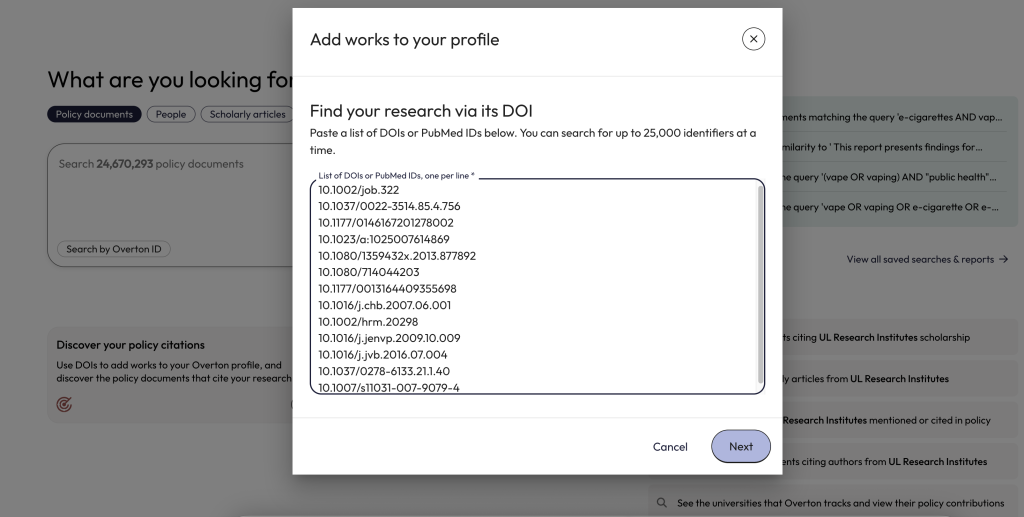
From the main dashboard, click on the “Discover your policy citations’ button and paste in the full list of your publication DOIs (or PMIDs). Users can save and rerun this search to check for new citations for the full list of DOIs.
Simple DOI search
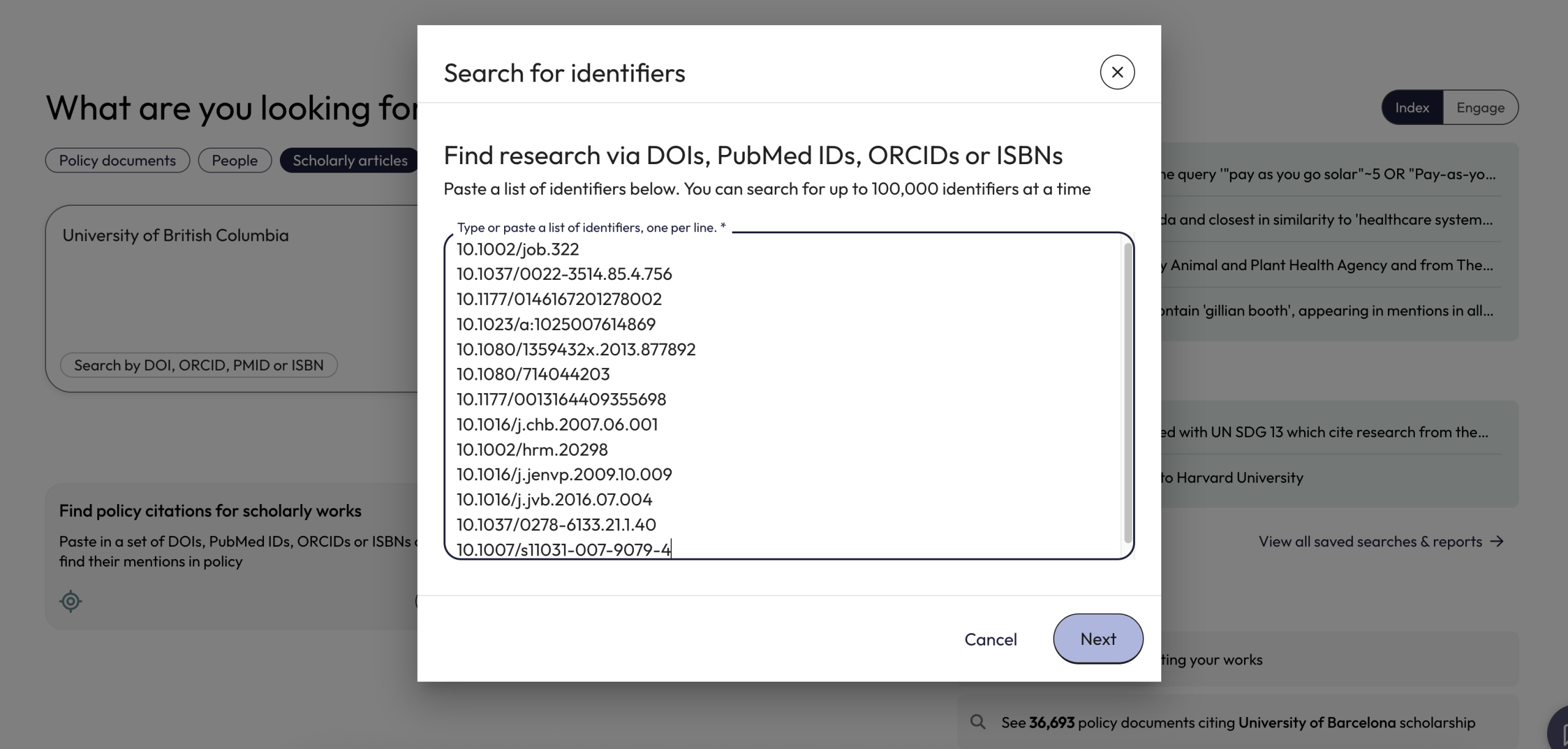
From the main dashboard, click on the ‘Find policy citations for scholarly works’ button and paste in a single or list of DOIs.
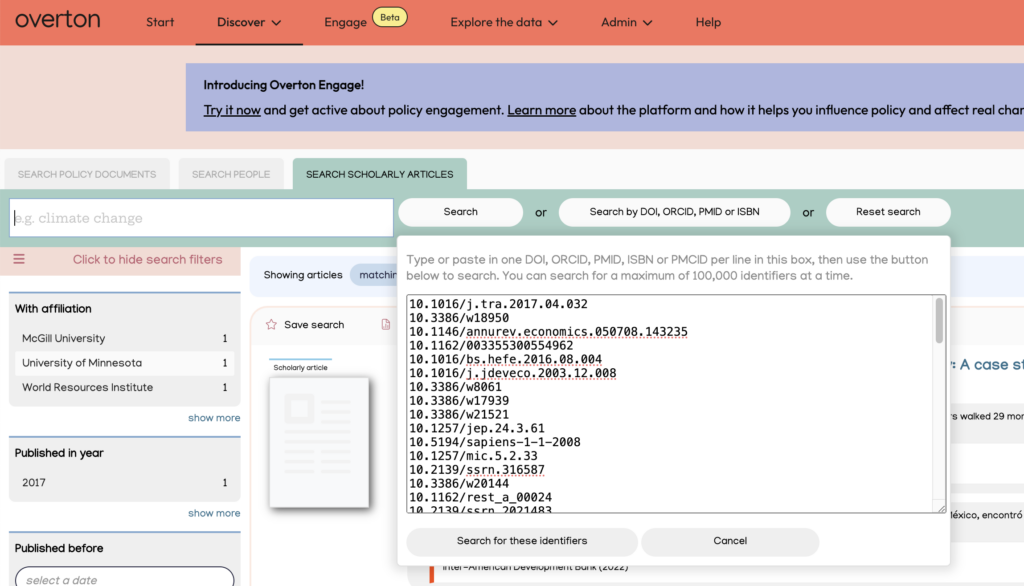
Users can also perform a simple DOI search from ‘Scholarly Articles’ in the ‘Discover’ menu and search using the ‘Search by DOI, ORCID, PMID, or ISBN’ button.
Video: Search using DOIs
Find your publication DOIs
Users can find publication DOIs for scholarly works using other tools such as OpenAlex, Web of Science, ORCID, Google Scholar, etc.
If you organisation has an institutional repository, you may also be able to find your publication DOIs there.
Search using other identifiers
Users can also perform a similar search to a DOI search using PMIDs, ISBNs or using an ORCID.
- PMID identifies a specific article published in PubMed
- ISBNs are useful if you want to check for policy citations for books or book chapters.
- An ORCID search allows you to find publications linked to an ORCID profile. For Overton to capture citations using an ORCID search, the publication must have an ORCID attached to it at the time of publication.